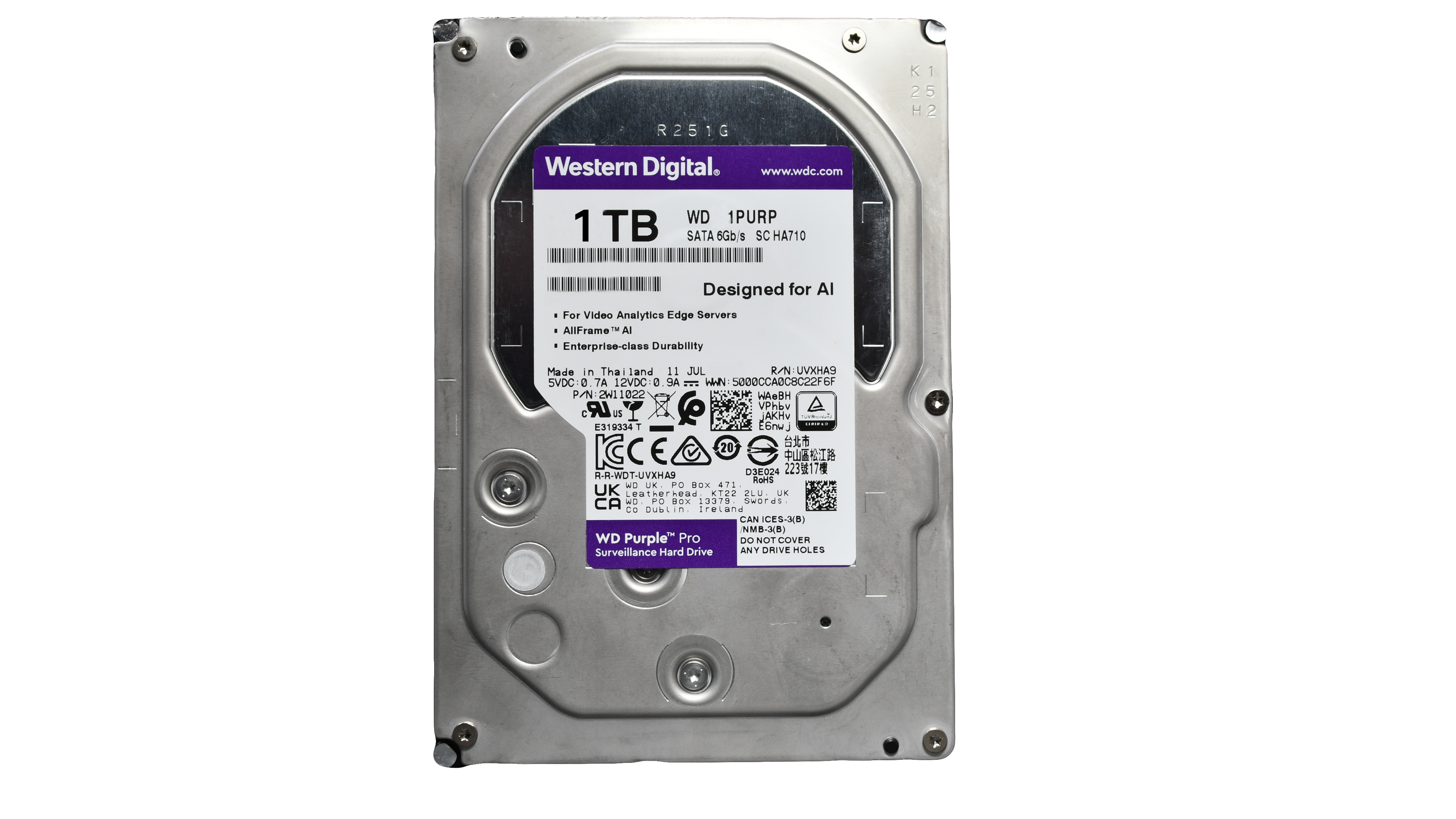
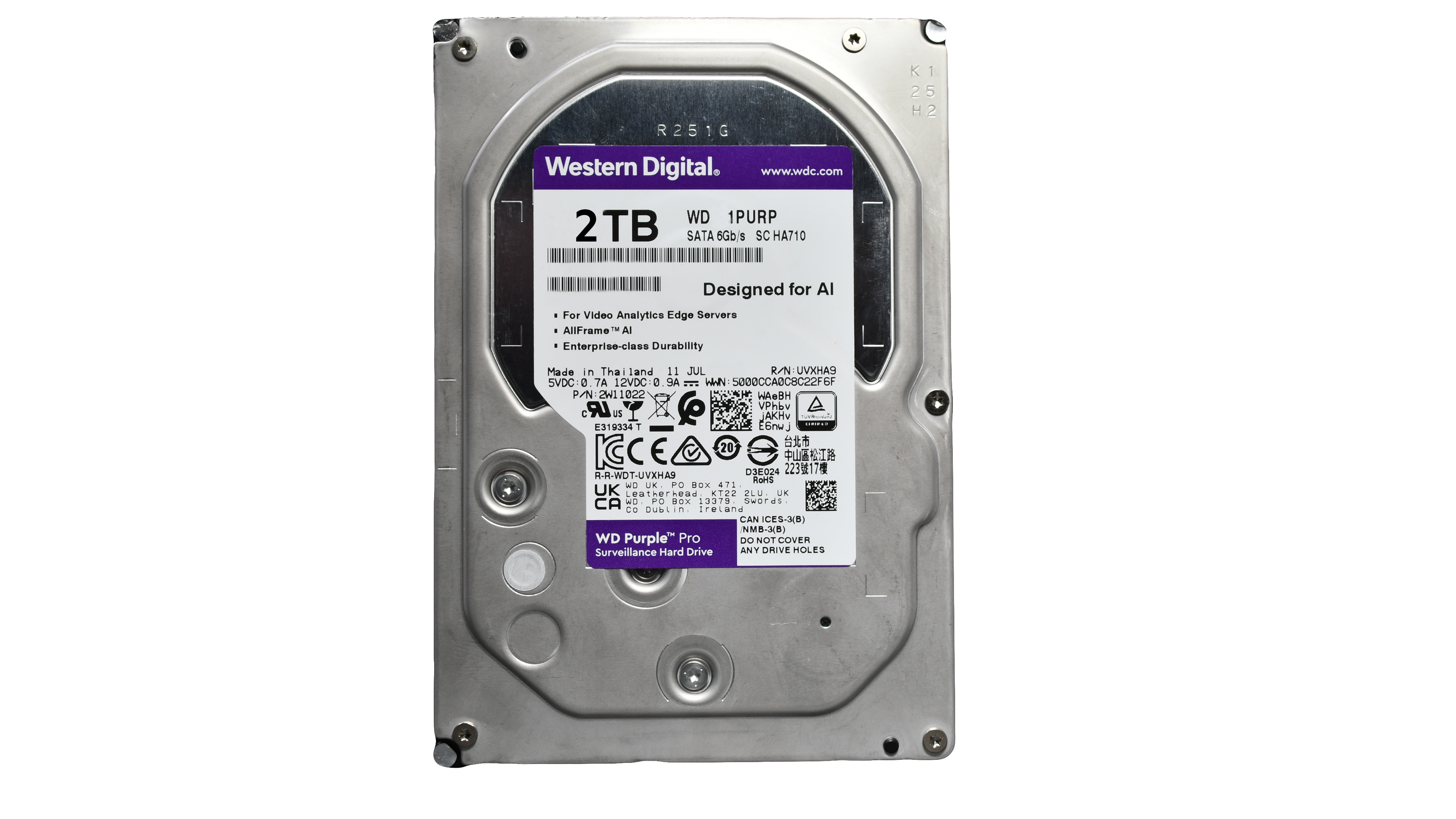
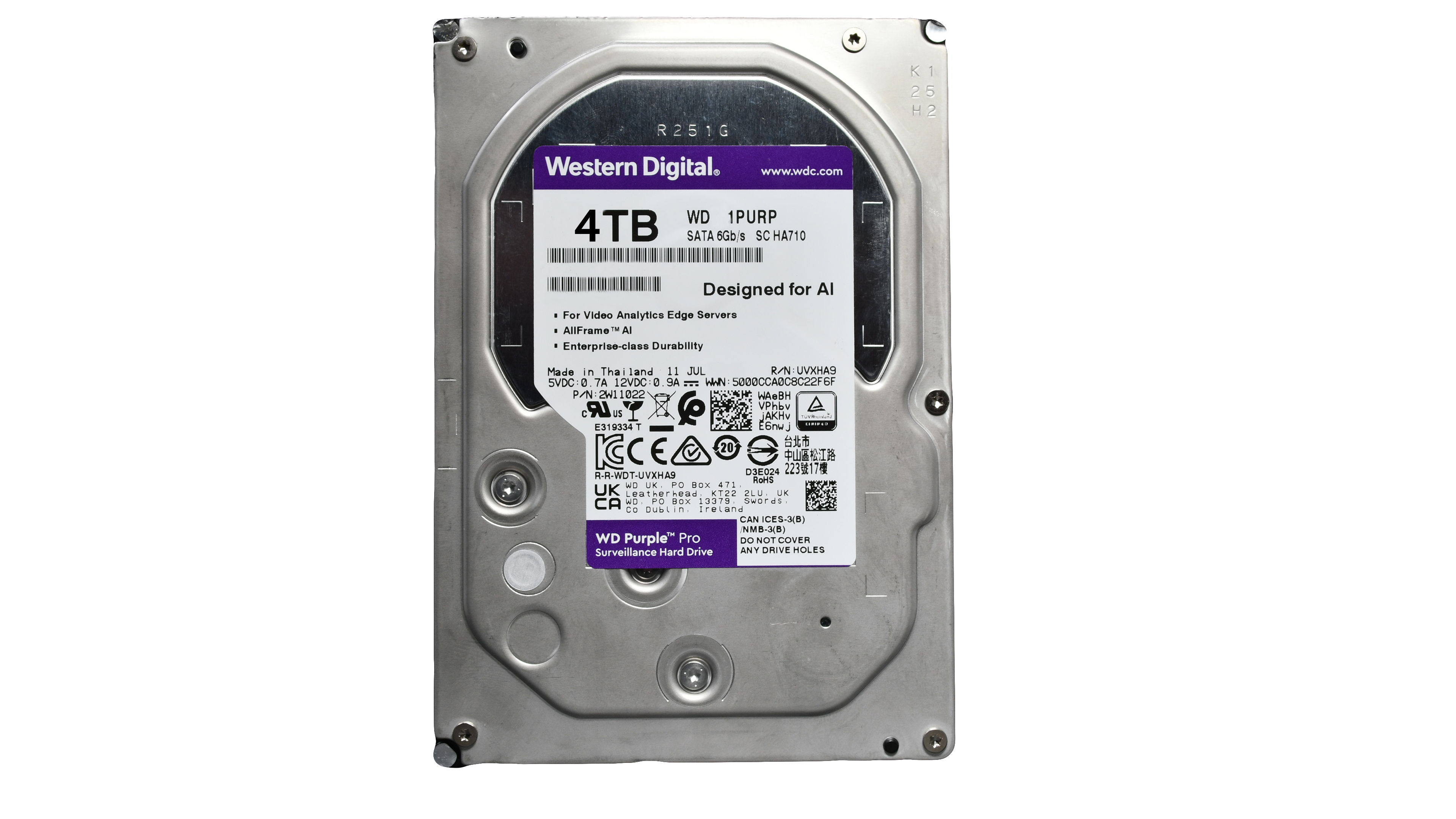
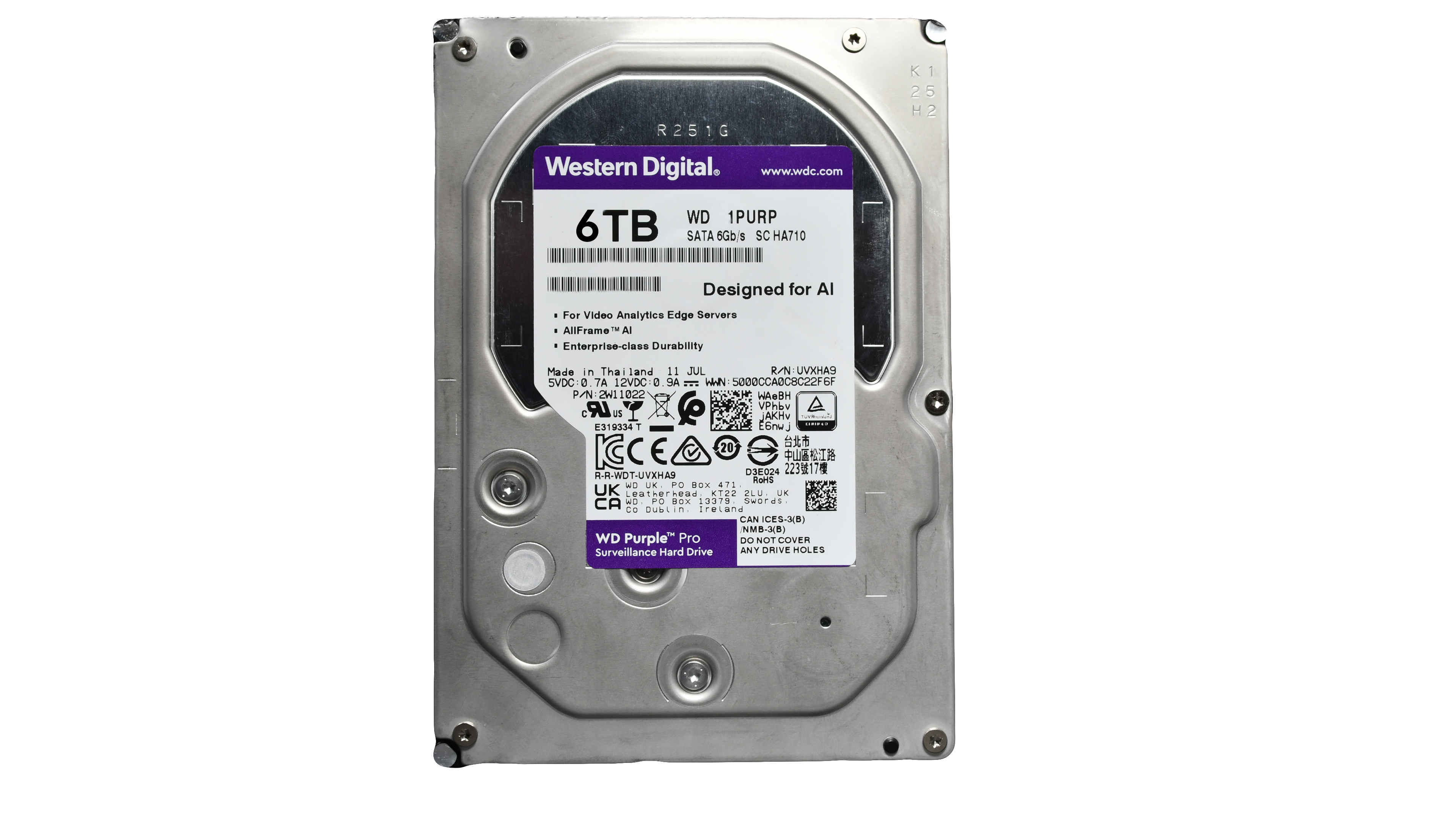
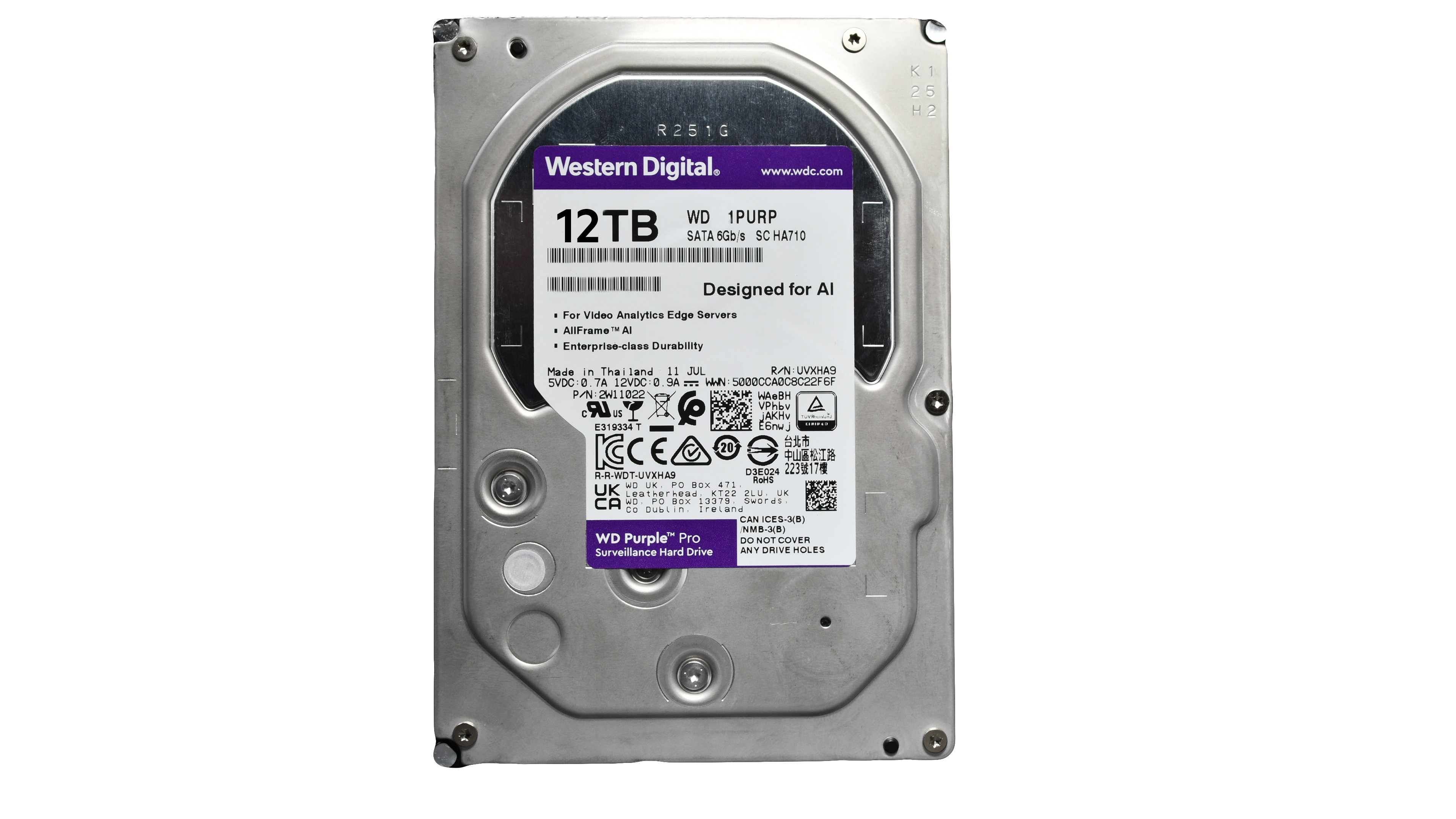
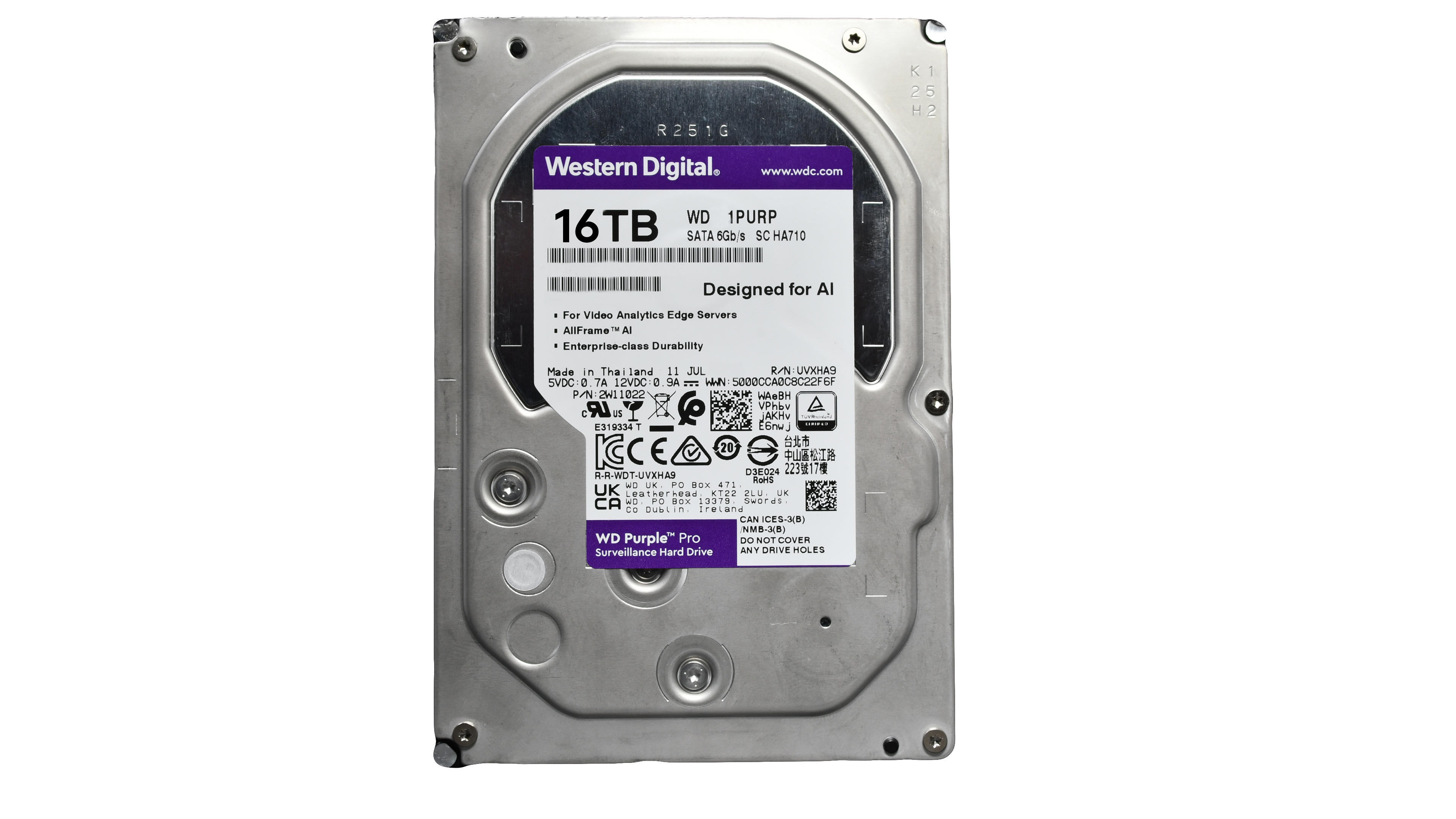
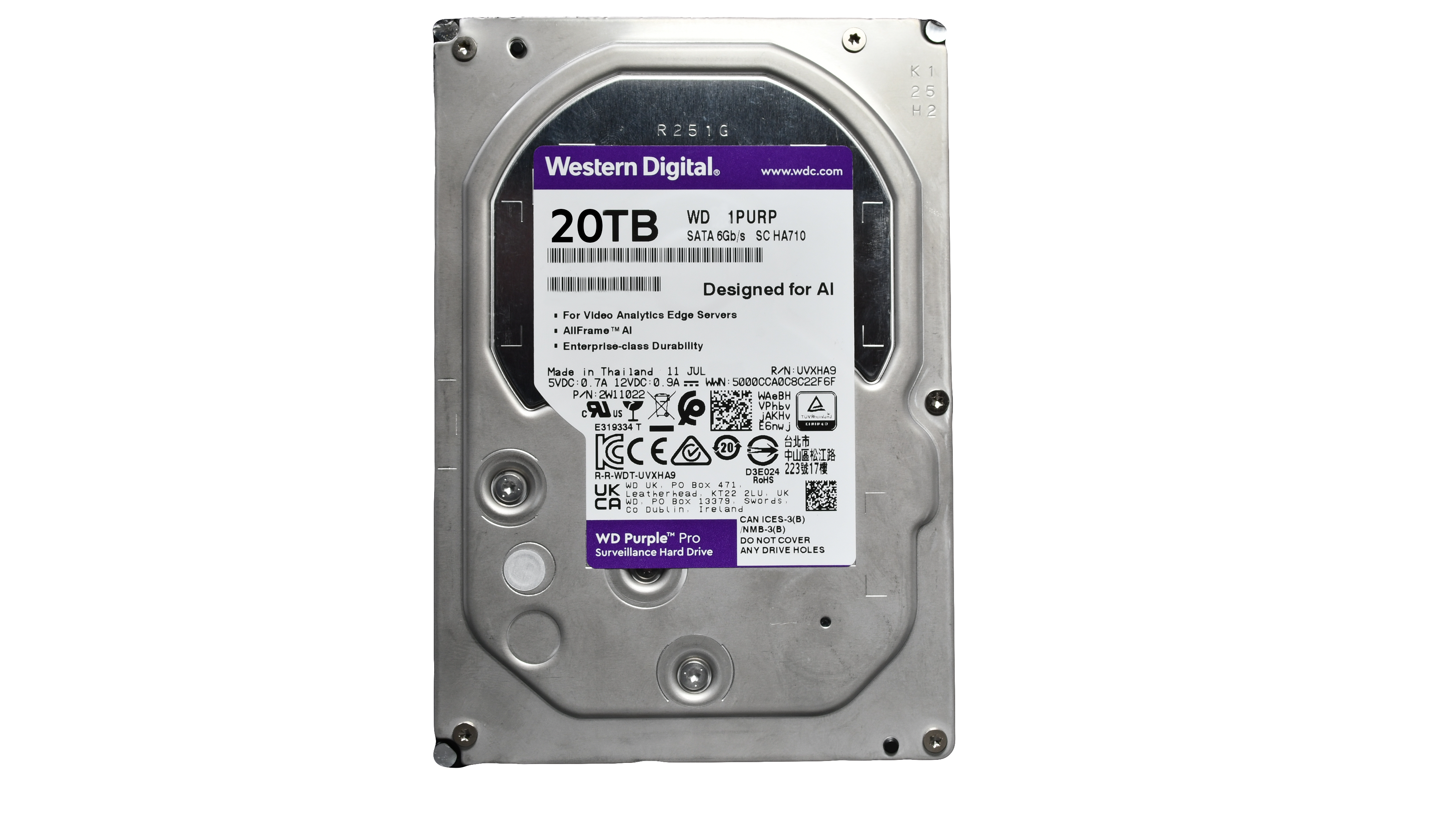
Surveillance Grade Hard Drives for NVRs (1TB-20TB)

SKU: 1TBHDD

Size: 1TB
Price:
Sale price$129.95

Surveillance Grade SATA III 3.5″ Internal HDD

Sized from 1TB to 20TB, stores lots of video and comes with features that are designed for video surveillance storage systems. This drive is built to record high-definition media in 24 x 7 environments. The drive supports up to 64 cameras and systems that use up to eight drives. It occupies a 3.5″ drive bay and connects via a SATA interface. In addition, it’s built with 256MB of cache memory and delivers transfer speeds of up to 180 MB/s.

  • A surveillance-optimized hard drive that is precision-tuned for high write workloads operating 24×7
  • Supports up to 64 cameras and 1 to 8 drives per system
  • Engineered for workloads of 180TB/year, three times that of desktop drives
  • Low power consumption and startup current to minimize heat and vibration emission, improving long-term drive reliability
  • Customizable power settings for incremental savings during system downtime without compromising time to record

20TB Drives only work with the MNR5 and MNR6 Series NVRs

If you purchased the NVR from Montavue, and your NVR has extra slots for hard drives, the NVR came with the necessary screws and cables to max out the internal storage of the NVR.


Hard Drive Capacity Calculator

All results are only approximations and are rounded up with a 10% buffer.

Labels (optional) Compression Resolution FPS Bit Rate (Kbps) QTY Action
Understanding Storage

Compression (H.264 vs H.265): Storage size is dictated by your Bit Rate, not compression. A 4096 Kbps stream takes up the exact same amount of space whether it's H.264 or H.265. However, H.265 is so highly efficient that it allows you to safely cut your Bit Rate in half while maintaining the exact same video quality, effectively doubling your storage capacity.

Frame Rate (FPS) and The Pizza Analogy: Think of your Bit Rate as a whole pizza, and your FPS as the number of slices you have to cut it into every second. If you drop your FPS from 30 down to 15, you are asking the camera to do half the work. This allows you to cut your Bit Rate in half (saving massive storage space) while keeping the individual images perfectly sharp. In the security industry, 15 FPS is the standard "sweet spot" because it flawlessly captures human motion without needlessly wasting hard drive space.

The "Sweet Spot" (Why 4096 Kbps for 4K?): 4K video contains over 8 million pixels. If you set your Bit Rate too low, those pixels are "starved" for data, resulting in a blocky, blurred image during movement. Selecting 4096 Kbps alongside H.265 compression at 30 FPS is the industry sweet spot—it provides just enough data to keep 4K video perfectly crisp. (Older H.264 compression would require double the data—8192 Kbps—for the same quality).

CBR vs VBR: CBR (Constant Bit Rate) uses a fixed amount of data continuously. It is predictable and guarantees high image quality, making it ideal for busy areas. VBR (Variable Bit Rate) lowers data usage when nothing is moving, making it great for saving space in quiet areas (like empty hallways). However, VBR is a poor choice for high-motion scenes—constant movement maxes out the data limits anyway, and sudden bursts of action can cause "ghosting" or pixelation exactly when you need a clear image.

Free Shipping!

Free ground shipping on orders over $150!

2-Year Standard Warranty

We stand by our products, that's why we offer a 2-year standard warranty. Most of our competitors only offer a 1 year.

60-Day Money Back Guarantee

We are certain you will love our product, if not you can return it within 60 days.

Free U.S. Based Sales & Tech Support

Unlike many of our competitors, our sales and tech support specialists are in house and ready to help.